

The big picture
Here’s how product data flows through Cernel:- Products come in from your connected integration (Shopify, CSV, Feed, or API)
- Cernel automatically classifies each product into the right category in the Cernel Taxonomy
- Attributes are configured on categories to define what data products need
- AI agents generate attribute values, using your prompts, your brand context from Data Sources, and, where you’ve set it up, the output of upstream agents
- You review and approve the generated content, or let it push automatically if you’ve turned approval off
- Enriched data syncs back to your store or export channel
Key concepts
Cernel Taxonomy
The Cernel Taxonomy is a hierarchical category structure maintained by Cernel, like Apparel & Accessories > Shoes > Running Shoes. When you import products, Cernel automatically classifies each one into the right category, so you don’t build or manage the taxonomy yourself. Every product ends up in a category. Categories are the organizing principle for everything else in Cernel. When you add an attribute to a category, it automatically applies to all subcategories beneath it. This means you configure once at the right level and it flows down the tree.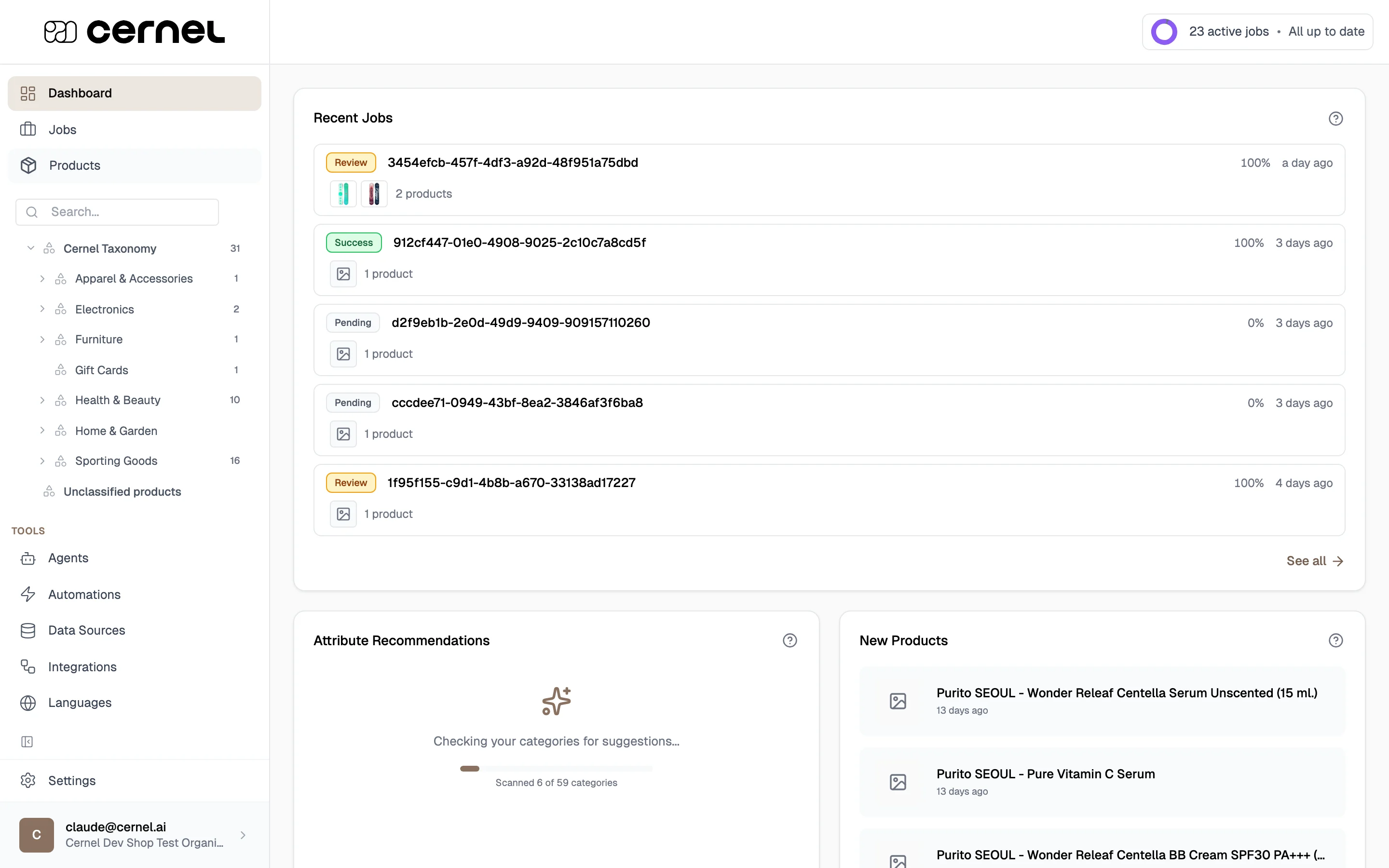
The taxonomy sidebar in Cernel, showing categories with product counts
Learn more
Full guide to setting up and managing your Cernel Taxonomy.
Attributes
Attributes are the data fields that AI fills in for your products: descriptions, meta titles, materials, colors, sizing, and more. You configure attributes on categories in your taxonomy, and they automatically apply to all subcategories. Cernel supports seven attribute types:Learn more
Deep dive into attribute types, configuration, and how they work across categories.
AI Agents
An AI agent is a configured AI with a specific job: write a product description, extract materials, classify by gender, source product imagery, or anything else your catalog needs. You define what it should generate, the tone and style, any constraints, and the brand context it should draw on from your Data Sources. You can describe your intent in plain language and let Cernel write the prompt for you, or write it yourself. Before an agent goes live, you test it in a sandbox on real products with an agent chat that rewrites the prompt based on your feedback, plus version history so you can roll back. Agents can also depend on each other, letting one agent’s output feed into the next so you can chain work (for example, a meta description agent that reads the product description agent’s output). Cernel resolves dependencies and runs agents in the right order when you enrich. Agents are independent from categories. Create one “Product Description” agent and link it to the description attribute across your entire taxonomy. Update the agent’s prompt and every category picks up the change.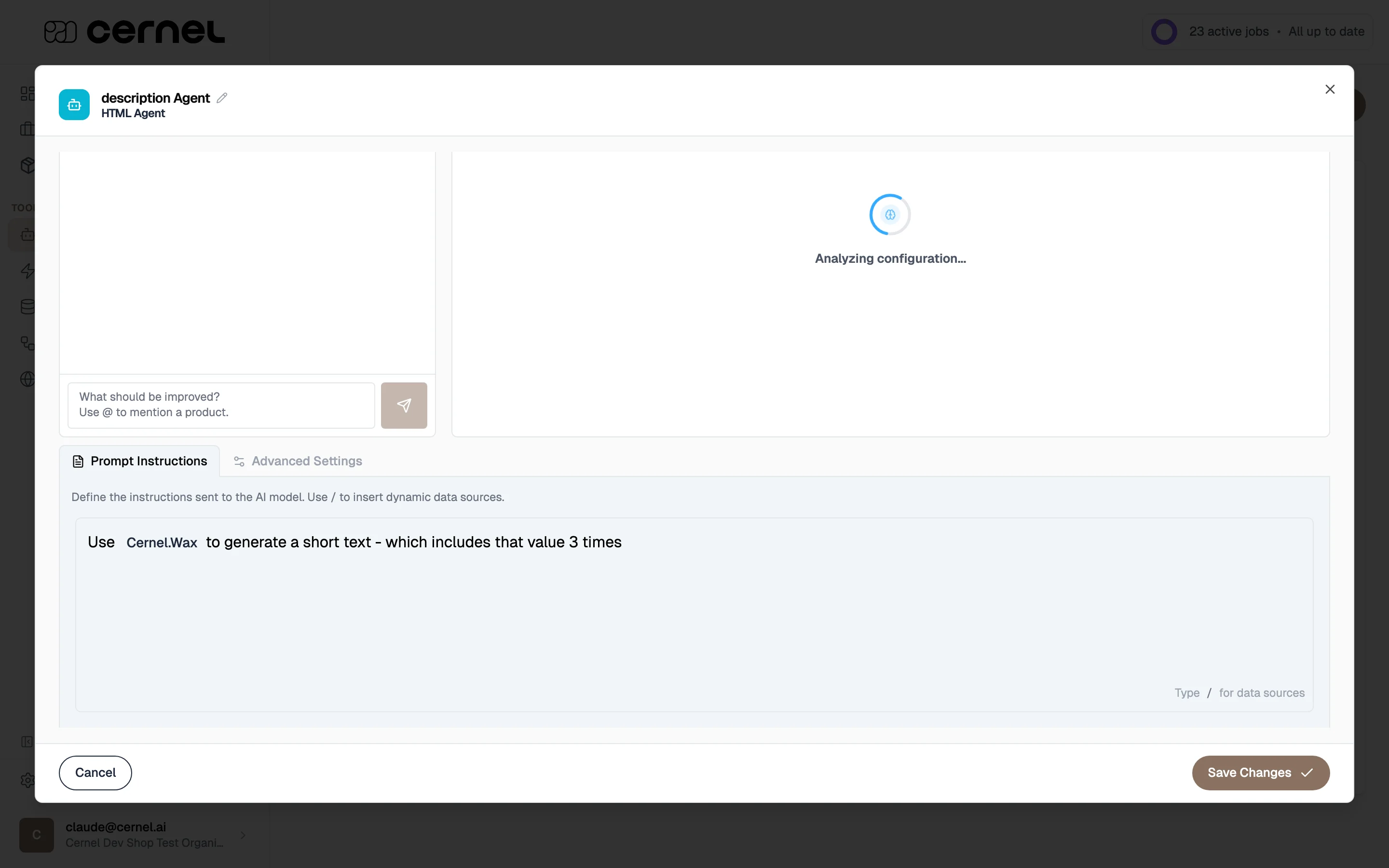
The agent editor: configure prompts and reference Data Sources
Learn more
Create agents, configure prompts, and run your first enrichment.
Data Sources
Data Sources are your organization’s context library. Store brand guidelines, product specifications, target audience descriptions, and other reference material that you want AI agents to use when generating content. You create entries in Tools > Data Sources and reference them in agent prompts by typing/. The reference appears as a labeled pill in the prompt editor, making it easy to see which context is included. Update a Data Source once and every agent using it picks up the change.
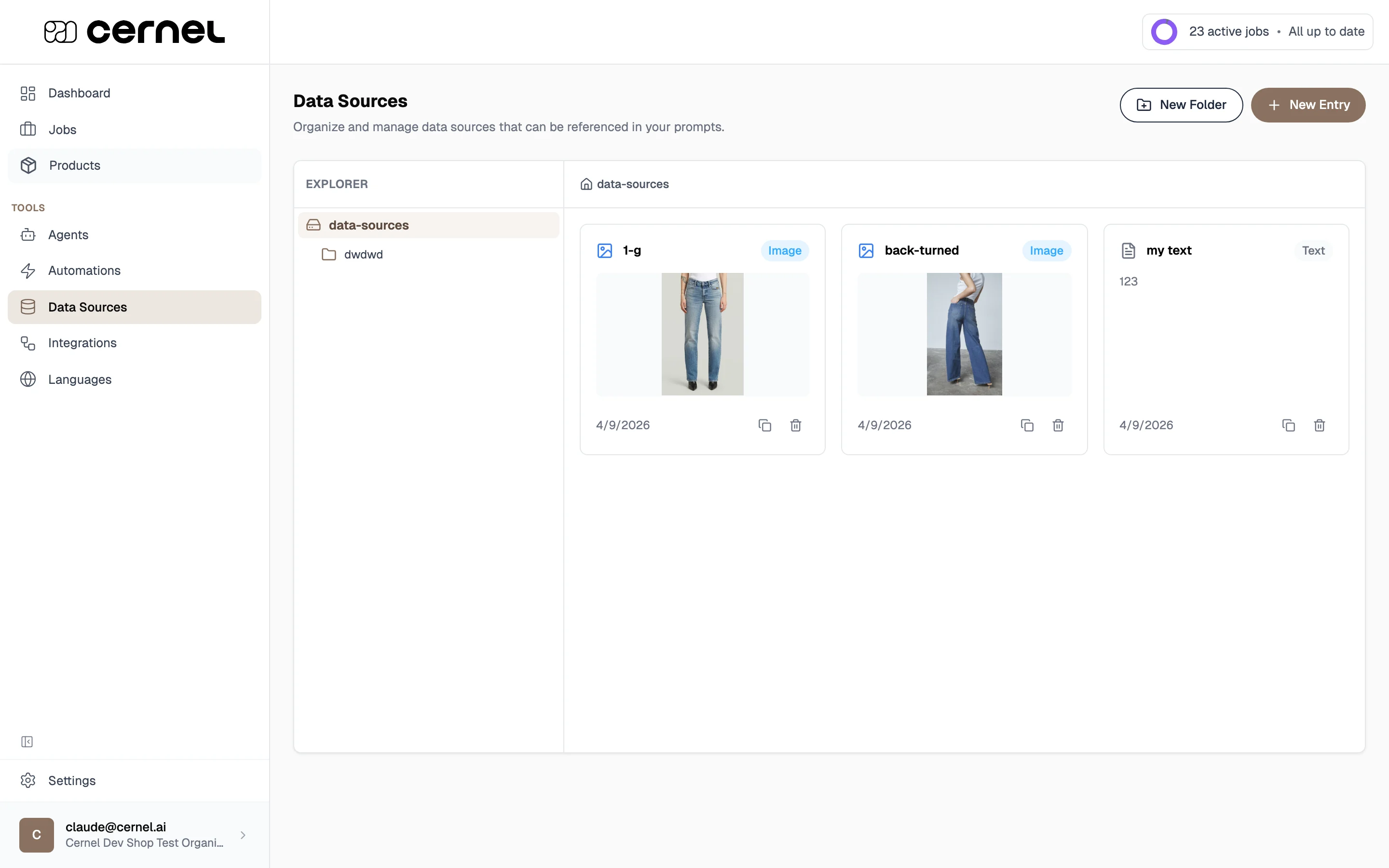
The Data Sources page: organize context in folders and entries
Enrichment and jobs
Enrichment is the process of running AI agents on your products to generate attribute values. You select products (individually or by category), choose which attributes to generate, and start a job. Cernel processes everything in the background and tracks progress on your Dashboard. After a job completes, you review the results. Each generated value can be approved, edited, or rejected before it syncs to your connected integrations. Review is optional. If you’d rather have enriched content push straight to your store without a manual approval step, turn off Approve Before Push in Settings > Global > Platform. Leave it on when you want a human check before anything goes live.Automations
Automations let you automatically enrich products as they arrive or change. Set up a rule by selecting a category, defining optional product filters, and choosing which attributes to generate. When a product matches the rule, enrichment runs automatically.Automations run on both newly created products and existing products that are updated: when a matching product’s data changes, the automation re-evaluates it and enriches it. To enrich a batch of unchanged products on demand, use manual enrichment from the products table instead.
What’s next
Connect Shopify
Import your product catalog so you have products to work with.
Enriching products
Walk through generating AI content for your first products.